Account Setup
Apple Developer Account Setup (Company)
This guide explains how to create an Apple Developer account for a company or organization.
An active Apple Developer account is required to publish iOS applications on the App Store and to manage certificates, identifiers, and provisioning profiles.
Before starting the enrollment process, make sure you have the following information available:
Company Information
- Legal Entity Name (official registered company name)
- Company identification document
- Company website URL
Company Representative
- Full name of the legal representative
- Identification document of the representative
- Contact email and phone number
D-U-N-S® Number
- A valid DUNS Number issued by Dun & Bradstreet (mandatory for company/organization accounts)
Apple ID
- A personal Apple ID with two-factor authentication enabled
- If you do not have one, you must create it before enrolling
Payment Method
- A valid physical credit card
- ⚠️ Virtual or prepaid credit cards are not accepted
Step-by-Step Enrollment Guide
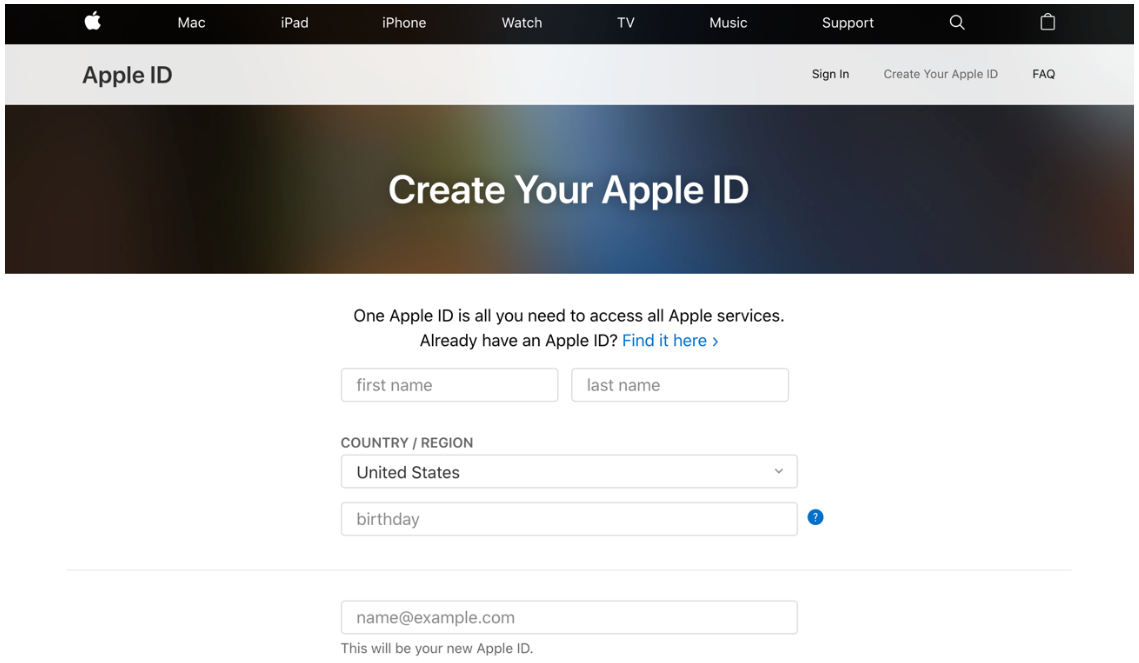
Step 1: Create an Apple ID
If you do not already have an Apple ID:
- Visit the Apple ID creation page.
- Follow the instructions to create your account.
- Enable two-factor authentication.
This Apple ID will be used to enroll in the Apple Developer Program.
Step 2: Obtain a DUNS Number
Apple requires a DUNS Number to verify your company’s legal identity.
- Check if your company already has a DUNS Number here.
- If not listed, request one here by providing:
- Legal Entity Name
- Headquarters address
- Mailing address
- Work contact information
The DUNS Number is typically sent to your email shortly after submission.
Step 3: Enroll in the Apple Developer Program
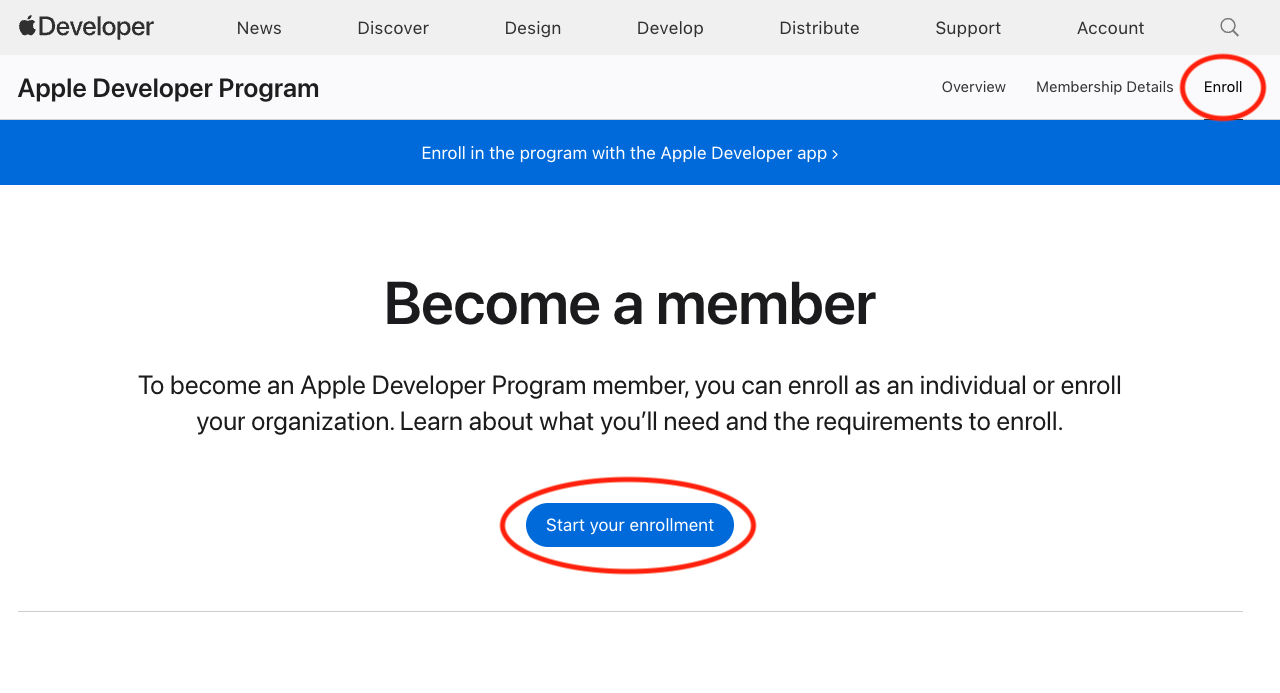
- Go to the Apple Developer Program enrollment page.
- Sign in with your Apple ID.
- Select “Start Your Enrollment”.
- Choose Company / Organization as the entity type.
- Complete the enrollment form with:
- Legal Entity Name
- DUNS Number
- Company website URL
- Company representative contact information
- Review the information and continue.
- Verify your legal authority to act on behalf of the company.
Step 4: Complete the Purchase
- Pay the $99 USD annual membership fee.
- Follow the on-screen instructions to complete the payment.
Once approved, your company will be enrolled in the Apple Developer Program.
Additional Support
If you encounter issues during enrollment, refer to Apple Developer Support for assistance.